Beneficiaries: your wallets
Save the wallets your deposits are delivered to. Which networks and stablecoins are offered, how to add a wallet safely, and why only active wallets are offered.
Last updated 19 October 2026
What a beneficiary is
A beneficiary is a saved wallet that StablRamp delivers stablecoins to. Every deposit account delivers each deposit it receives to one saved wallet, which you pick from the list when you open the account. Because the destination is chosen from the saved list, a deposit never depends on an address typed in a hurry.
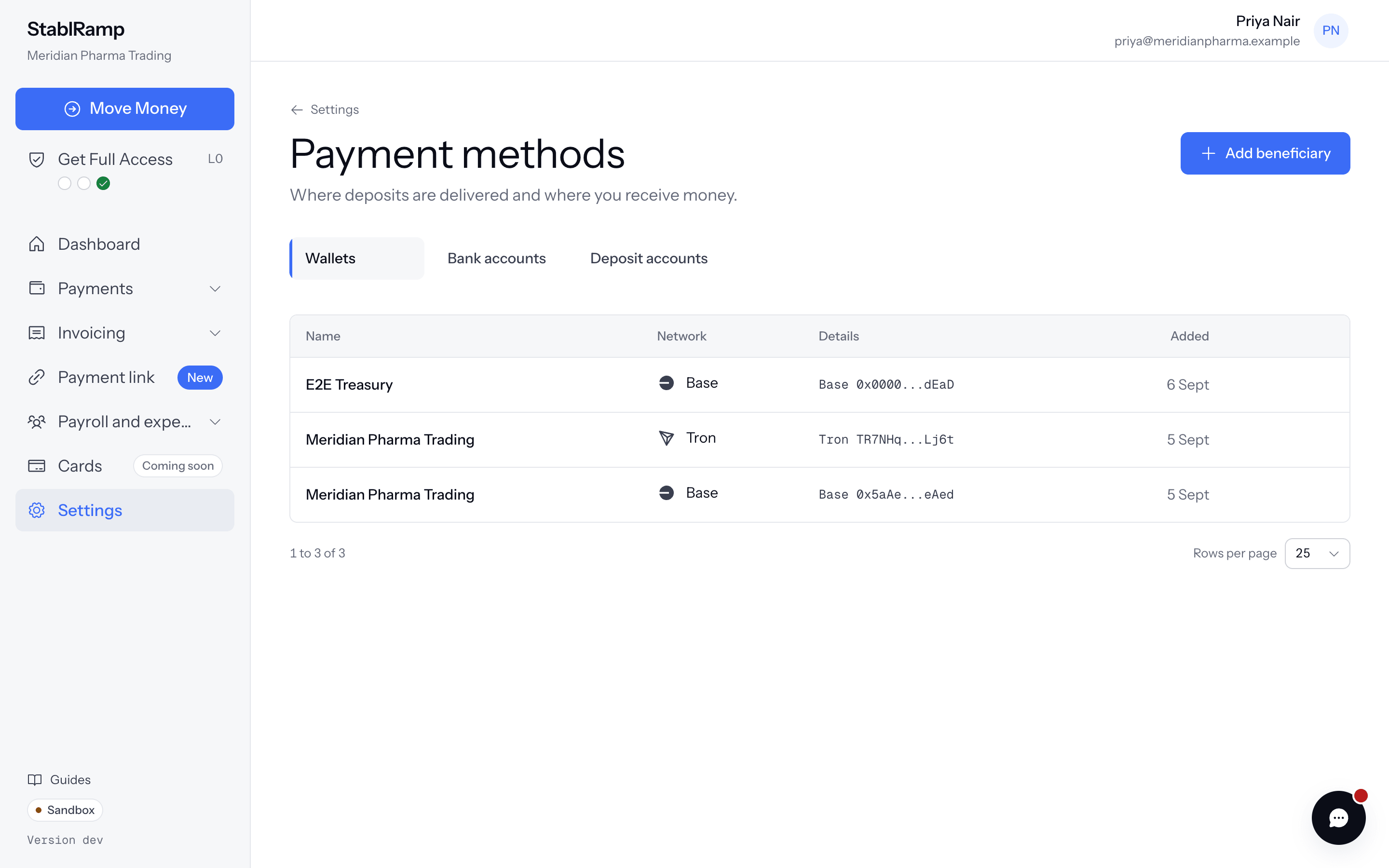
Save the wallet before you open a deposit account. Open Settings, then Payment methods, under Product in the grid. The Wallets tab, selected by default, lists every active wallet of the organisation with its holder, its address, its network and the day it was added.
Add a wallet
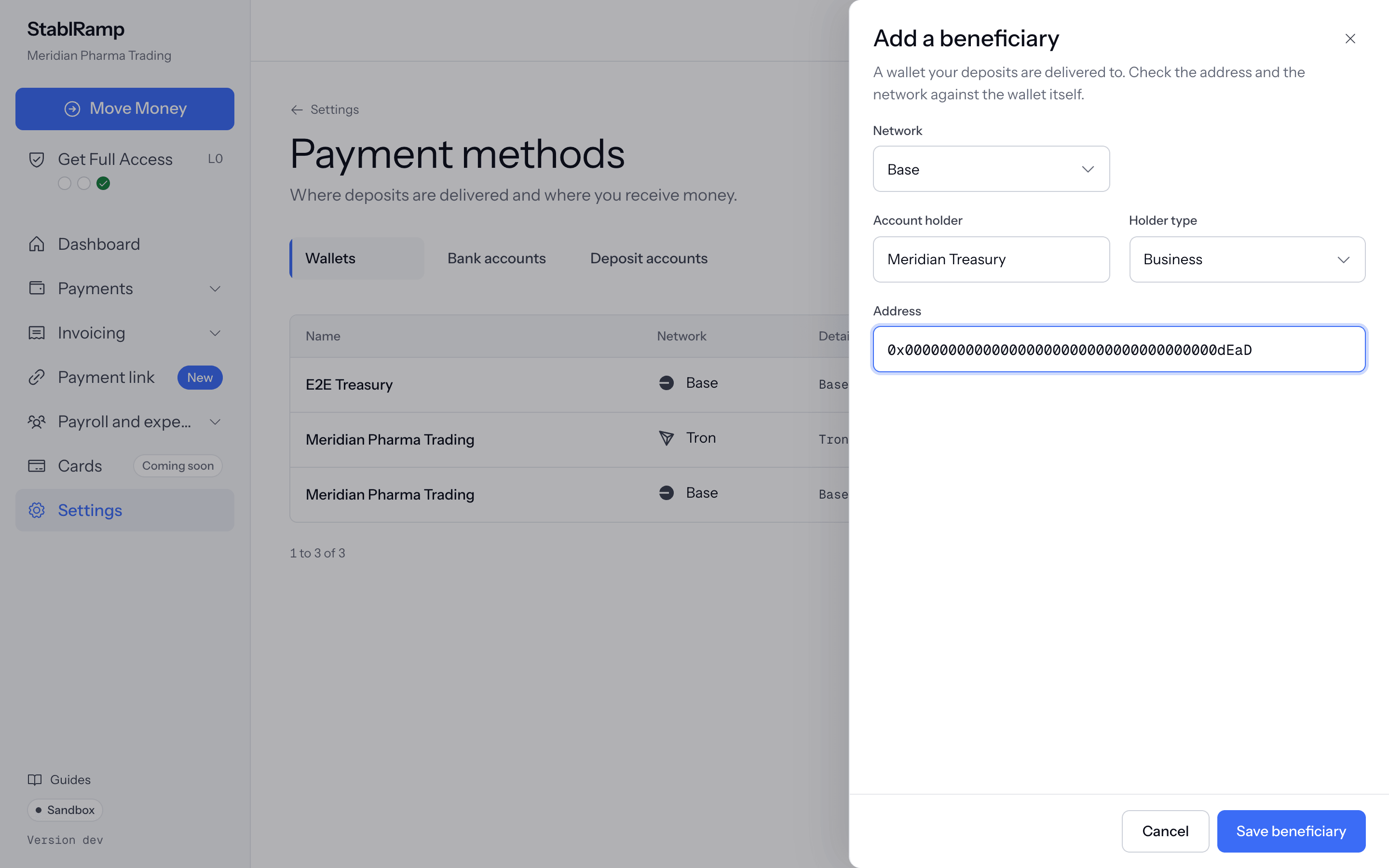
- On the Wallets tab, choose Add beneficiary.
- Choose the Network the wallet uses.
- Enter the Account holder, the person or business that controls the wallet, and set Holder type to Business or Individual.
- Paste the Address and choose Save beneficiary. The address is checked against the format of that network, including its checksum where the network has one.
| Network | Stablecoins a deposit can be delivered in |
|---|---|
| Ethereum | USDC, USDT |
| Base | USDC |
| Polygon | USDC |
| Arbitrum | USDC |
| Solana | USDC, USDT |
| Tron | USDT |
Save the address on the network the wallet actually uses. Stablecoin is delivered on the wallet's network, and a transfer on a network the wallet does not support may not be recoverable.
The wallet form has only an Address: there is no memo or tag field. Use an address that does not need one. An exchange deposit address that requires a memo or tag is not suitable, because deliveries to it would arrive without one.
Active and removed wallets
Only active wallets are offered when you open a deposit account. Remove asks Remove this beneficiary? and takes the wallet off the Wallets tab and out of that list. Saving the same details again makes it active again rather than creating a duplicate.
Removing a wallet does not close a deposit account that delivers to it: that account keeps delivering to the same address until you close it on its own page.
When no saved wallet sits on a network deposits can be delivered to, the new deposit account page says You have no wallet on a network deposits can be delivered to. Add one, then come back. with an Add a wallet link. After you save the wallet, the app returns you to the new deposit account page, where it is now offered.